
Submitted by Rees Scientific on

Platform Access for Your Environmental Monitoring System
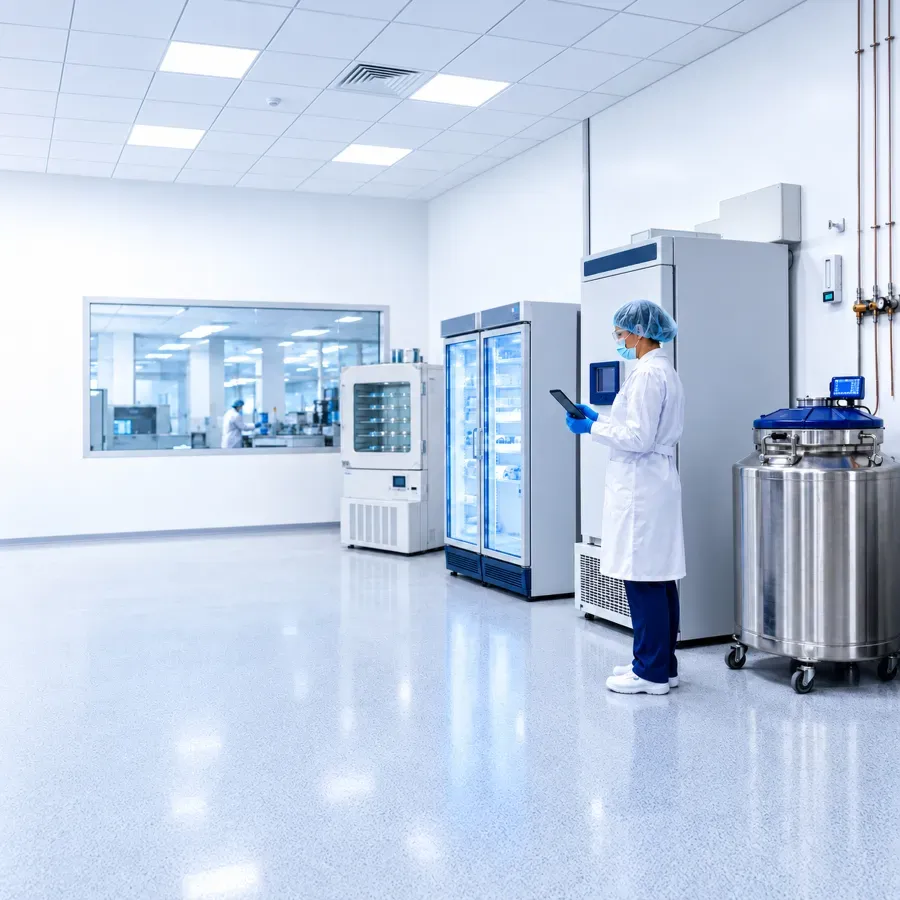
Scientist working in lab with tablet

Flexible Desktop and Browser Access

Give users secure access to the same trusted environmental monitoring platform through desktop and browser experiences.

Every organization works differently. Rees Scientific provides flexible ways to access your environmental monitoring system without compromising functionality, security, or performance.
 

Request a Demo

One Monitoring Platform, Flexible Ways to Access It

Whether your team prefers a locally installed desktop application or a modern browser-based interface, users can access the same environmental monitoring platform and the core information they need to manage critical environments.

Both experiences support monitoring, alarms, reporting, dashboards, and historical data. The difference is how users access and interact with the platform.

Microscope sitting in lab

Desktop Application

Powered by Centron Presidio

For organizations that prefer a locally installed application, the desktop experience provides comprehensive monitoring, alarming, reporting, historical trending, system configuration, and enterprise management tools.

Comprehensive Management

Access monitoring, alarm management, reporting, historical trending, and system configuration tools.
 

Locally Installed Experience

Use a traditional desktop application within the organization's operating environment.
 

Browser-Based Environmental Monitoring

Powered by ReesHelix

For organizations looking for greater accessibility and flexibility, the browser experience provides secure access without installing desktop software.

Authorized users can monitor critical environments, view real-time dashboards, manage alarms, generate reports, analyze trends, and access environmental monitoring data from supported web browsers.
 

Browser Access

Access the monitoring platform from supported web browsers without installing desktop software.
 

Operational Visibility

View dashboards, manage alarms, generate reports, and analyze trends through the browser experience.
 

Close up of microscope

Shared Platform Capabilities

Real-time environmental monitoring
 

Alarm management and notification workflows
 

Automated and on-demand reporting
 

Customizable dashboards
 

Historical data and trend analysis
 

Secure, role-based access
 

Support for enterprise and multi-site monitoring

Desktop and Browser Access at a Glance

Desktop Application
Browser-Based Experience
Powered by Centron Presidio ReesHelix
Access method Locally installed desktop application Supported web browser
Installation Desktop software is installed No desktop software installation required
Core use Comprehensive monitoring, configuration, reporting, trending, and enterprise management Monitoring, alarms, dashboards, reports, trends, and environmental data access
Platform Same trusted Rees environmental monitoring platform Same trusted Rees environmental monitoring platform

Frequently Asked 
Questions

Both provide access to the same monitoring platform. Centron Presidio is a desktop application, while ReesHelix provides secure browser-based access. Both support monitoring, alarms, reporting, dashboards, and historical data.
 

No. The browser experience provides secure access from supported web browsers without installing desktop software.
 

Yes. Rees Scientific provides desktop and browser experiences for accessing the same trusted environmental monitoring platform.
 

Yes. Authorized browser users can monitor critical environments, view dashboards, manage alarms, generate reports, analyze trends, and access environmental monitoring data.

 

Give Every User the Right Way to Access Monitoring Data

See how desktop and browser experiences can support the way your teams work while maintaining access to the same environmental monitoring platform.

Request a Demo
Scientist looking into microscope

Contact Us

Ready to get in touch? Reach out today.